

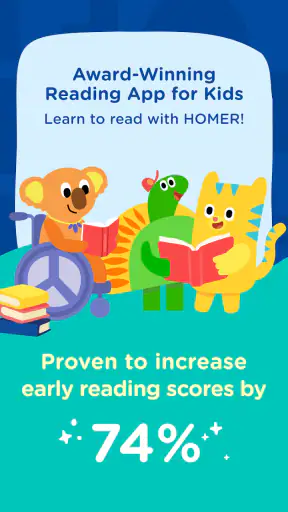
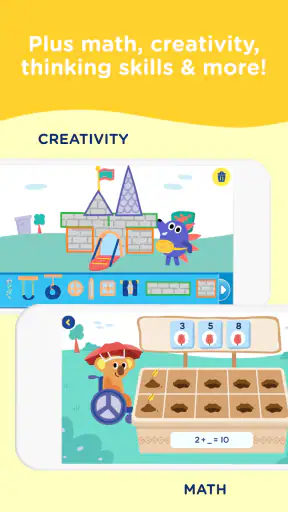
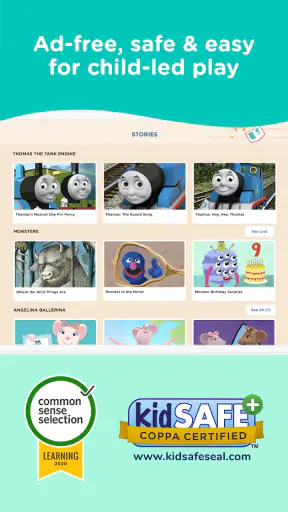
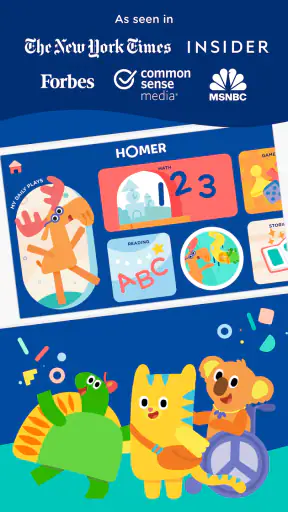
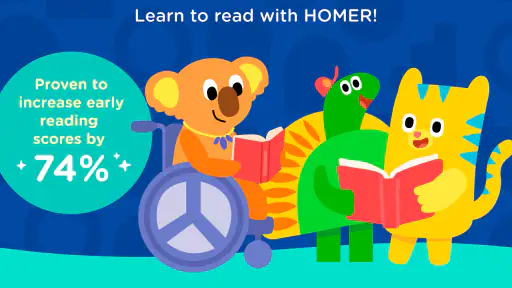
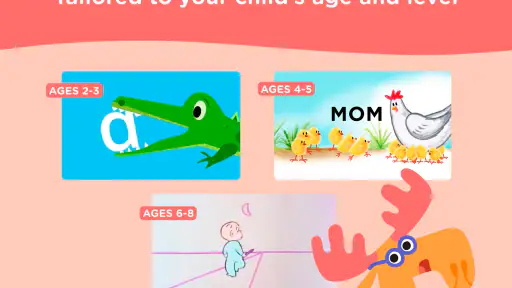
HOMER: Fun Learning For Kids is the kind of education app I would put in front of a young child when I want screen time to feel purposeful without turning the room into a classroom. Its focus is early reading, and the experience is aimed at children from age two through eight, a wide range that makes the app flexible but also means parents need to choose activities carefully. My overall view is positive: it offers a friendlier starting point than worksheets, yet it works best as a guided part of a child’s routine rather than a complete replacement for books, conversation, or a teacher.
Begin Learning has built an app that sits in the education category and is available free to install, with optional purchases ranging from $0.99 to $79.99 per item. That pricing structure matters because the free download lets families explore the experience before committing, while the broader learning journey may involve paid content. The app is rated for Everyone, runs on Android from version 6.0 onward, and its current version is 11.8.2. Those details make it accessible to many older devices, although families should still check how smoothly their particular phone or tablet handles children’s apps.
What the learning experience gets right
A gentle entry into reading
The strongest part of HOMER is its attempt to make early reading feel like something children do, not something they are tested on. A child who resists tracing letters on paper may be more willing to interact with a colorful activity, listen, repeat, and try again. In my experience, that change in mood is important. At this age, confidence often determines whether a child keeps going after a mistake.
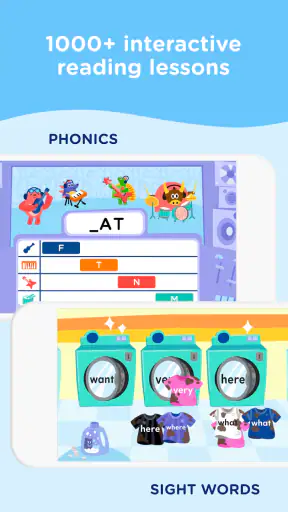
The app is especially suitable for the early stages: recognizing letters, becoming comfortable with sounds, building familiarity with words, and developing the habit of paying attention to language. I would not treat it as a shortcut to fluent reading. Instead, I see it as a bridge between listening to adults read aloud and beginning to understand how written language works.
That distinction helps set realistic expectations. A child may enjoy an activity repeatedly without automatically transferring the skill to a printed page. I get better results when I follow an app session with a physical book, point to a few letters, and ask the child to find a familiar sound. The digital activity creates momentum; the book shows why the skill matters outside the screen.
Useful across different ages, with some supervision
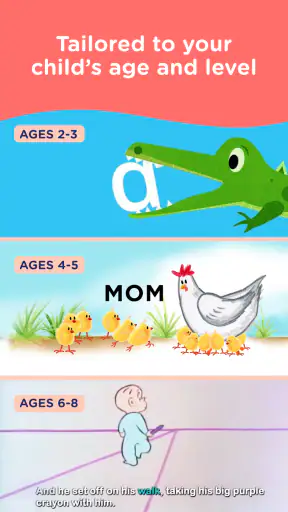
The stated age range is broad, covering toddlers, preschoolers, and early elementary children. That can be helpful in a family with more than one child, because the same app may remain relevant as a younger sibling grows. It also means the experience cannot be equally perfect for everyone. A two-year-old may need short, hands-on sessions, while an eight-year-old who already reads independently could find the introductory material too easy.
I recommend starting with the youngest child’s attention span rather than the advertised age range. For a toddler, I would sit nearby, name what appears on the screen, and stop before frustration begins. For a child closer to the upper end, I would look for activities that reinforce weak areas instead of assuming every lesson will be challenging enough. The app is more valuable when the adult adjusts the surrounding routine instead of leaving the child to wander through it indefinitely.
Why the format can work in everyday family life
One realistic use is the awkward stretch before dinner, when a child is tired but not ready to settle down. A short reading activity can give that time some structure without requiring a full lesson plan. Another is a quiet morning while a parent prepares for the day. I would use it as a planned transition: choose a limited activity, stay close enough to help, then move to breakfast or a book.
That routine is more effective than handing over the device whenever a child is bored. If the app becomes an automatic distraction, the educational value can get buried under the expectation of unlimited entertainment. I found that a simple rule works better: the child uses it for a defined learning moment, then explains one thing learned afterward. Even a brief conversation helps turn passive tapping into recall.
For travel, the app may be appealing because it can provide a familiar activity in a place where carrying several workbooks is inconvenient. I would still prepare a backup that does not depend on a screen, particularly for long journeys. Young children benefit from variety, and an app cannot replace drawing, looking at signs, telling stories, or sharing a book with an adult.
What the numbers suggest, and what they do not
HOMER has passed one million installs, with an average rating of 4.1 from around 5.8 thousand ratings and roughly 1.6 thousand written reviews. That gives the app a meaningful history of use, but I would not read those figures as proof that it suits every learner. Early education is personal: a child’s language development, attention span, device habits, and support at home all affect the result.
The rating also fits my balanced impression. This is a well-positioned tool with a clear purpose, but it is not a magic reading program. Families who want a playful introduction may appreciate it, while parents expecting a complete curriculum, detailed progress reporting, or a substitute for one-to-one teaching may feel underwhelmed.
Three practical ways to get more from it
First, use the app as an observation tool. Watch which tasks a child avoids, guesses through, or completes confidently. That pattern is more useful than simply counting how long the child stayed on the screen. If letter sounds cause repeated hesitation, I would make that the focus of a short follow-up conversation rather than pushing through a long session.
Second, connect digital activities to objects around the home. After a sound-based exercise, look for that sound in a book, food package, toy label, or street sign. This small step addresses one of the biggest weaknesses of children’s learning apps: skills can remain trapped inside the interface unless an adult deliberately carries them into real life.
Third, avoid using paid content as a substitute for progression. The presence of in-app purchases means families should decide what they actually need before buying anything. I would first see whether the free experience matches the child’s level and temperament, then consider a purchase only if it supports a specific learning goal. Paying for more material does not automatically make a child more motivated.
Where the app falls short
The broad age range creates uneven value
The biggest limitation is the challenge of serving children from two to eight without making the experience either too demanding or too basic. A preschool beginner may find the format inviting, but an older child who needs help with comprehension, spelling, or sustained independent reading may need something more targeted. Parents should not assume that an app described as an early reading solution will cover every stage of literacy equally well.
This is also why I would not choose HOMER as the only resource for a child who is already struggling in school. A teacher, reading specialist, or carefully selected book program can respond to errors in a way a general app may not. The app can provide practice and encouragement, but it cannot observe posture, pronunciation, attention, or emotional response as closely as a supportive adult can.
Screen-based learning still needs boundaries
Even an educational app is still screen time. A child may remember the animation or reward more clearly than the letter or sound it was meant to teach. I noticed that the experience works best when sessions are short enough to preserve attention and when the adult occasionally asks the child to demonstrate the idea away from the device.
There is also a practical trade-off between independence and supervision. The app’s appeal is partly that a child can interact with it directly, but younger users may tap randomly, skip instructions, or ask for help. If a parent needs an entirely hands-off activity, this may not meet that expectation. I would call it low-preparation rather than no-supervision learning.
Free access does not mean the whole journey is free
The app costs nothing to install, but optional purchases can reach $79.99 per item. That is a significant difference from a completely free reading resource, so I would approach the purchase screen carefully and involve the adult who manages the device. The sensible question is not whether more content exists, but whether the available material fits the child’s current needs and will actually be used.
This model may be reasonable for families who prefer trying before buying, but it can feel less straightforward for parents seeking one predictable cost. If your priority is a large home library with no recurring decisions, public library books or free literacy materials may be a better complement. If your priority is a guided digital experience that a child enjoys returning to, the optional structure may be acceptable.
It cannot replace shared reading
The app’s central weakness is not a missing button or a difficult menu. It is the temptation to confuse interaction with learning in the fullest sense. Children need to hear expressive reading, ask questions about characters, predict what happens next, and connect stories with their own lives. HOMER can support the mechanics and routine of early literacy, but those richer exchanges still happen best with another person.
I would be especially cautious with children who enjoy tapping through activities but rarely talk about what they saw. In that case, the adult should pause and invite explanation. Asking “What sound did you hear?” or “Can you find another word that starts that way?” turns the session into a conversation. Without that step, the child may simply become skilled at navigating the app.
Who should use it, and who should choose something else?
A good fit for beginners and busy families
I think HOMER is a strong match for parents introducing structured literacy practice at home, especially when a child responds better to playful interaction than to worksheets. It can also help caregivers who want a ready-made activity for short sessions and do not feel confident designing early reading exercises themselves.
Families with children at different points in early literacy may appreciate having one familiar environment to try, provided expectations are adjusted for each child. It is also useful for a child who needs repeated exposure without feeling that every attempt is a formal test. Repetition is often where confidence grows, and the app’s approachable format can make repetition easier to accept.
The Everyone age rating makes it broadly suitable from a content perspective, but that should not be confused with developmental suitability for every child. A parent still needs to decide whether the language, pace, and level feel right. Younger children may need an adult to interpret instructions, while older children may need a more advanced resource alongside it.
When another option is better
I would choose a different primary resource for a child who needs intensive, individualized reading intervention. I would also look elsewhere if the goal is advanced comprehension, long-form reading, detailed writing practice, or a paper-free school replacement. A library-based routine, teacher-recommended program, or specialist support may offer better depth in those situations.
Parents who strongly prefer open-ended play may also find a structured learning app too directed. Conversely, families who want clear evidence of progress should examine what they can observe in the child’s real reading, not rely only on activity completion. The best alternative is not always another app; sometimes it is a stack of picture books, a few minutes of conversation, and consistent adult attention.
Device and routine advice before installing
Because the minimum operating system is Android 6.0, the app can work with a range of older Android devices. I would still install it on the device the child will actually use and test navigation, sound, and responsiveness before building a routine around it. A small screen or unreliable audio can make a good activity frustrating, particularly for children learning to distinguish similar sounds.
I would also create a clear stopping point. Children often find it easier to finish when the adult announces the plan in advance: one activity, a quick recap, then a book or another task. That approach reduces arguments and makes the app feel like one part of the day rather than the reward for avoiding everything else.
My final verdict after weighing the trade-offs
HOMER: Fun Learning For Kids succeeds because it makes early reading practice approachable. Begin Learning has created an education app that can give young children a comfortable first step toward letters, sounds, and words, particularly when an adult joins the experience and connects it to ordinary reading. Its free installation, broad child-friendly rating, and established audience make it easy to try, while the current version, 11.8.2, shows that the product remains actively maintained as an app families can still consider.
My recommendation comes with a clear condition: use it as a supplement, not a substitute. Keep sessions purposeful, watch how the child responds, and move the lesson from the screen to books and conversation. Be realistic about the broad age range and think carefully before purchasing optional content, especially when the price of an individual item can be substantial.
For a beginning reader who needs encouragement, repetition, and a playful routine, I would recommend giving it a try. For an older child needing deeper reading instruction or a learner requiring specialist support, I would choose a more focused solution. The best reason to install it is not that it promises to teach everything, but that it can make the first steps toward reading feel inviting enough to repeat.


